YOUR BRANDED PATIENT REPORT
Your branded patient report, edited the way you want
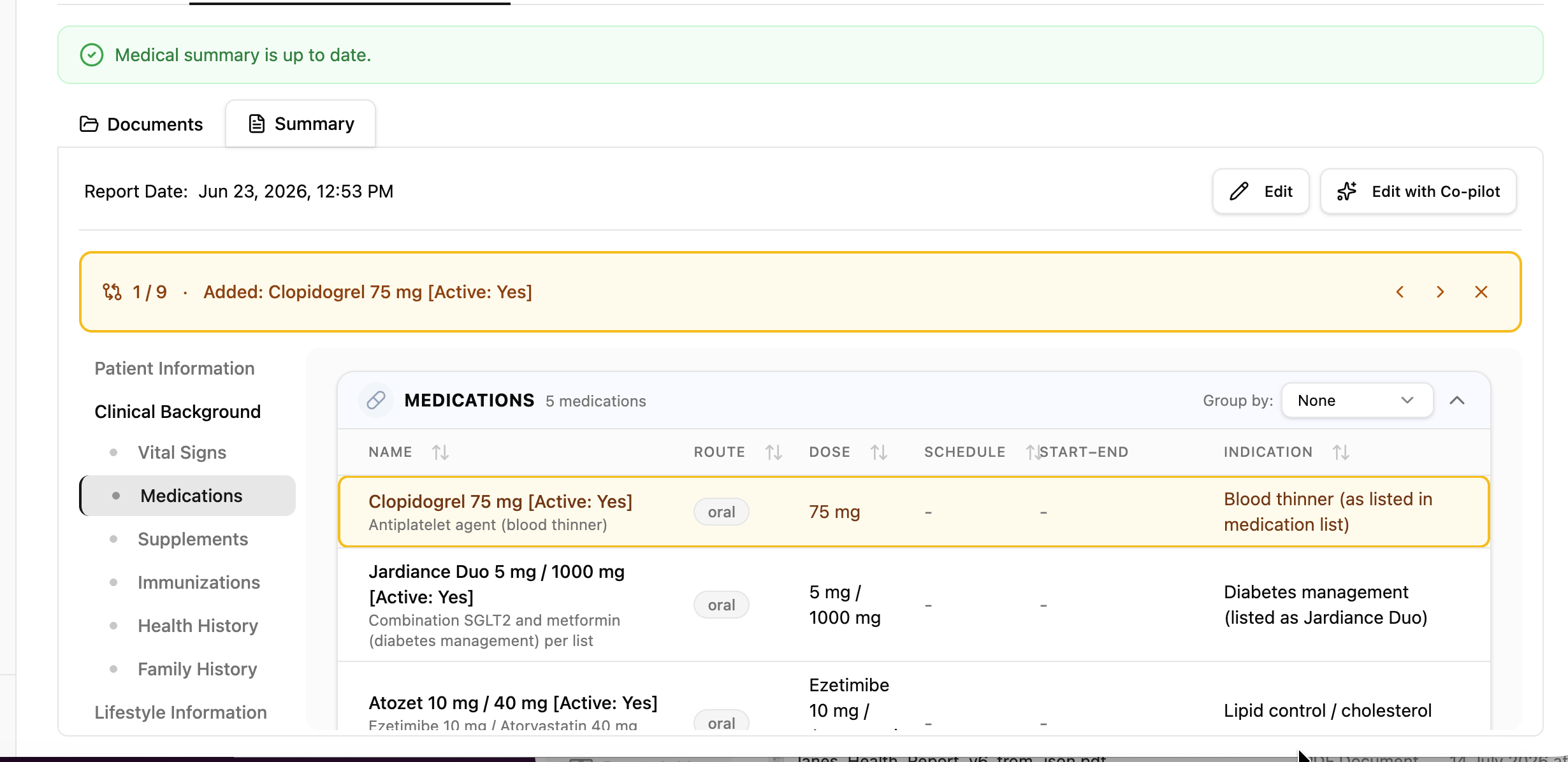
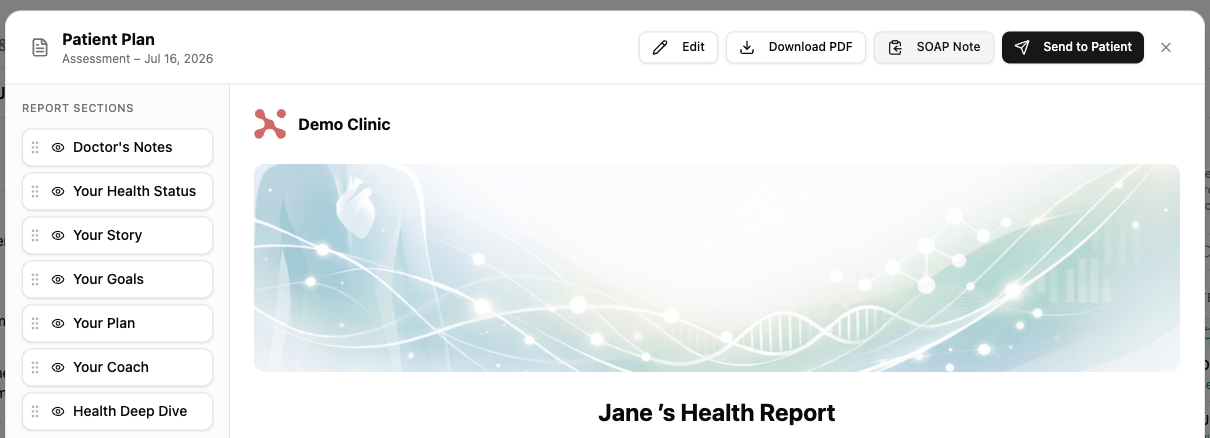
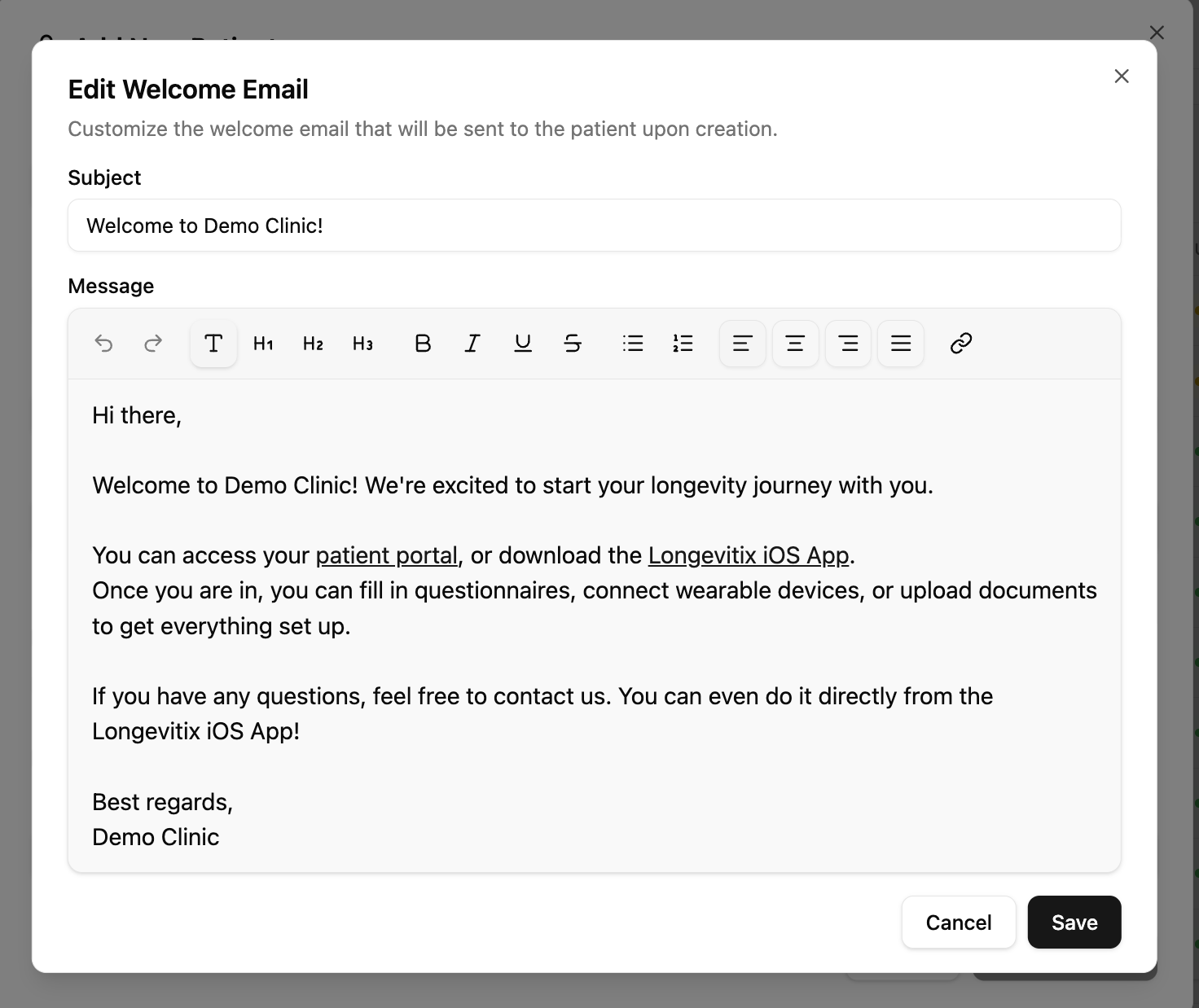
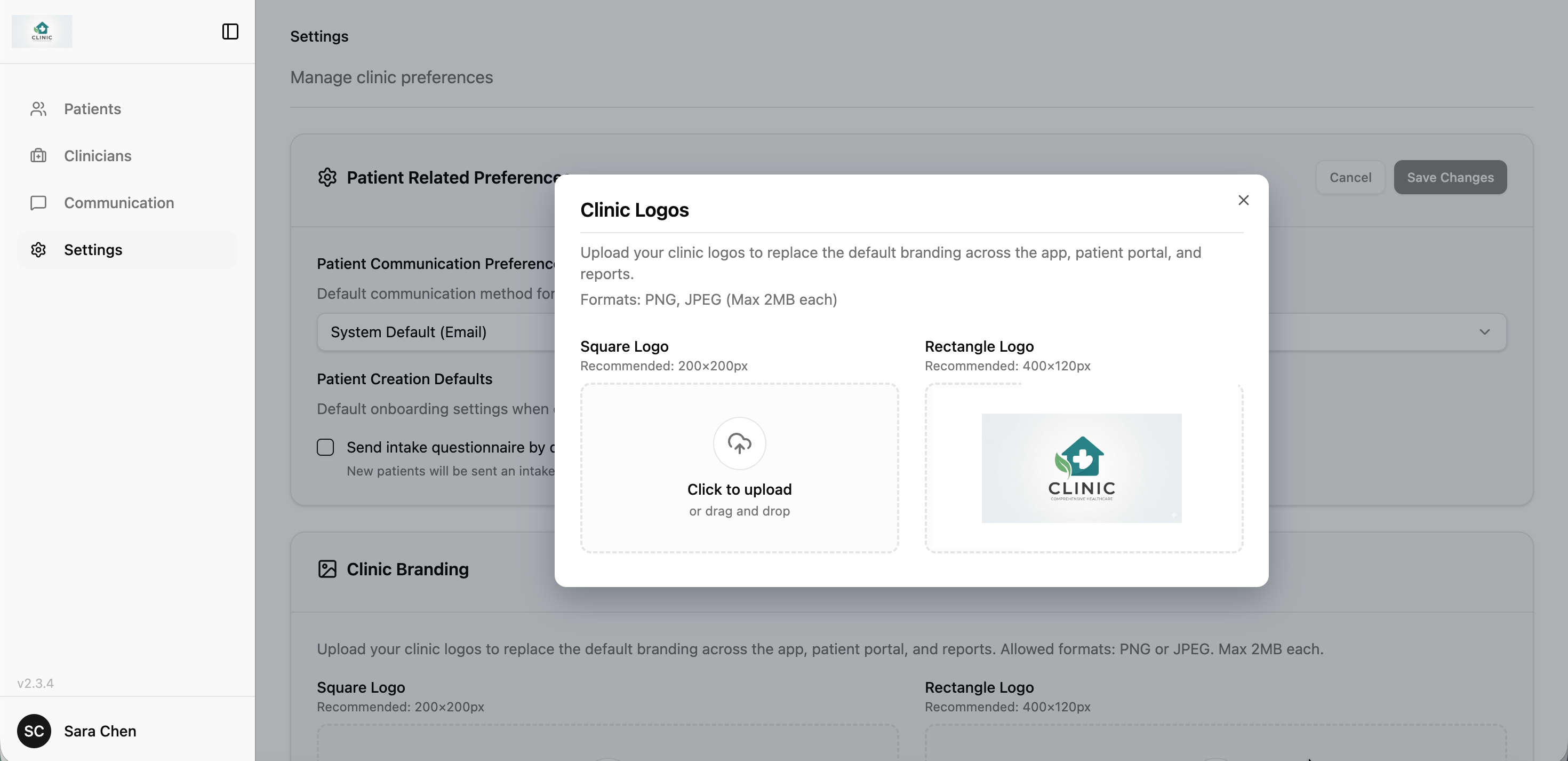
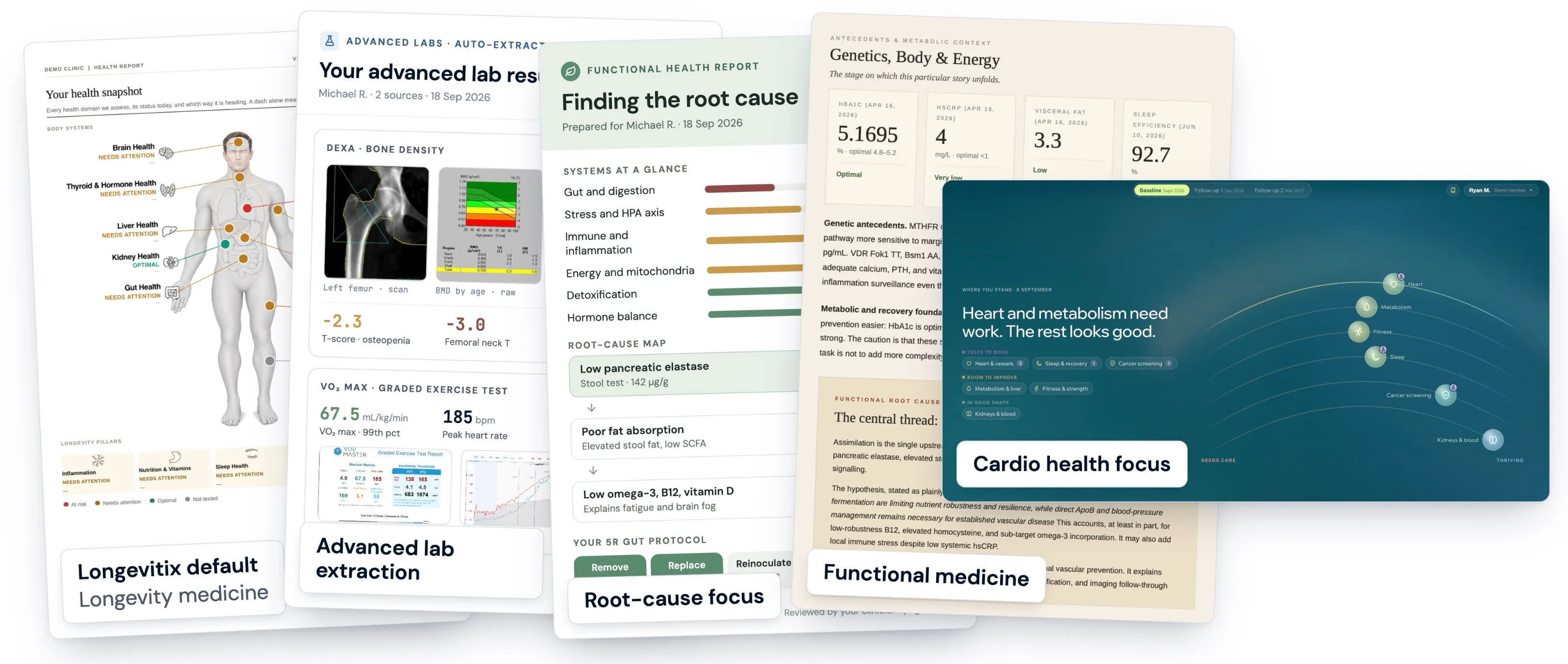
Your patients can now receive a report in your clinic's own format. We build it from the report you already send, and every report is generated in your layout, with your design and your wording. You can then edit the output: open the Report tab and choose Edit with Co-pilot to change the visuals, including the parts that come from your template and from data fields such as biomarkers. Any layout change opens a preview first, and you decide whether to save or discard it. Updating your template? Choose Replace to swap out the old assets instead of adding to them.
THE LONGEVITIX REPORT
A shorter, clearer default report your patients will read
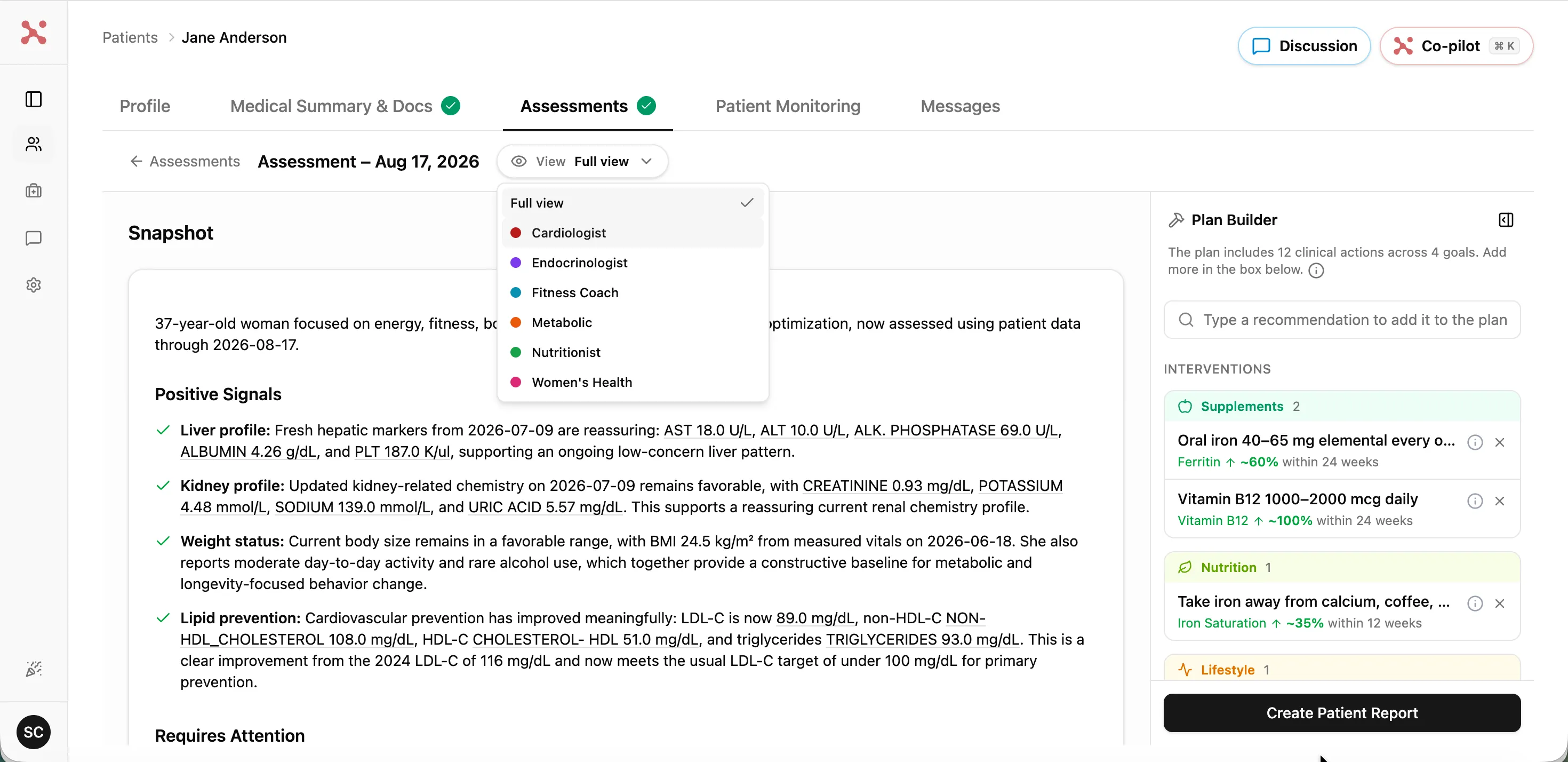
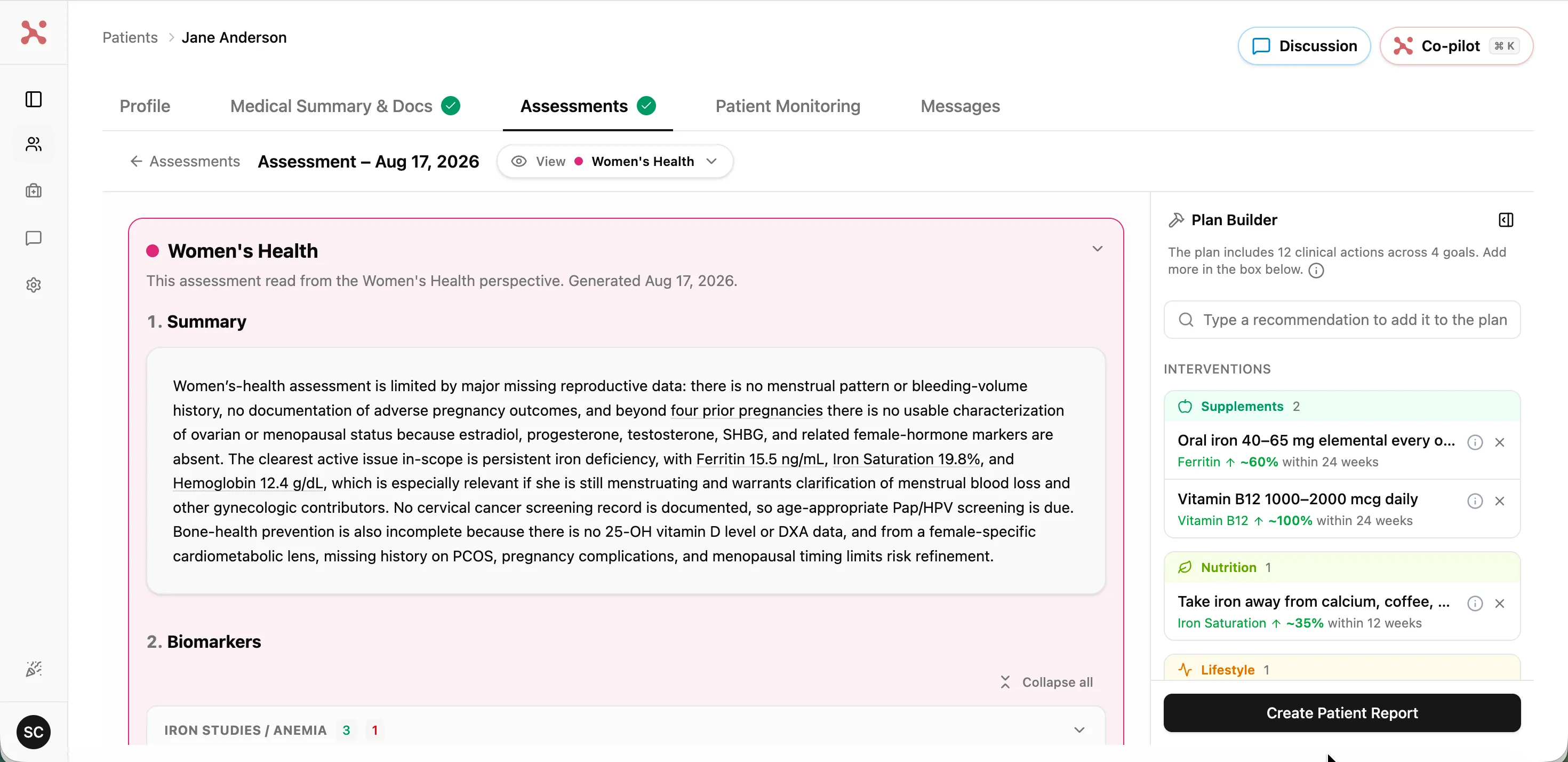
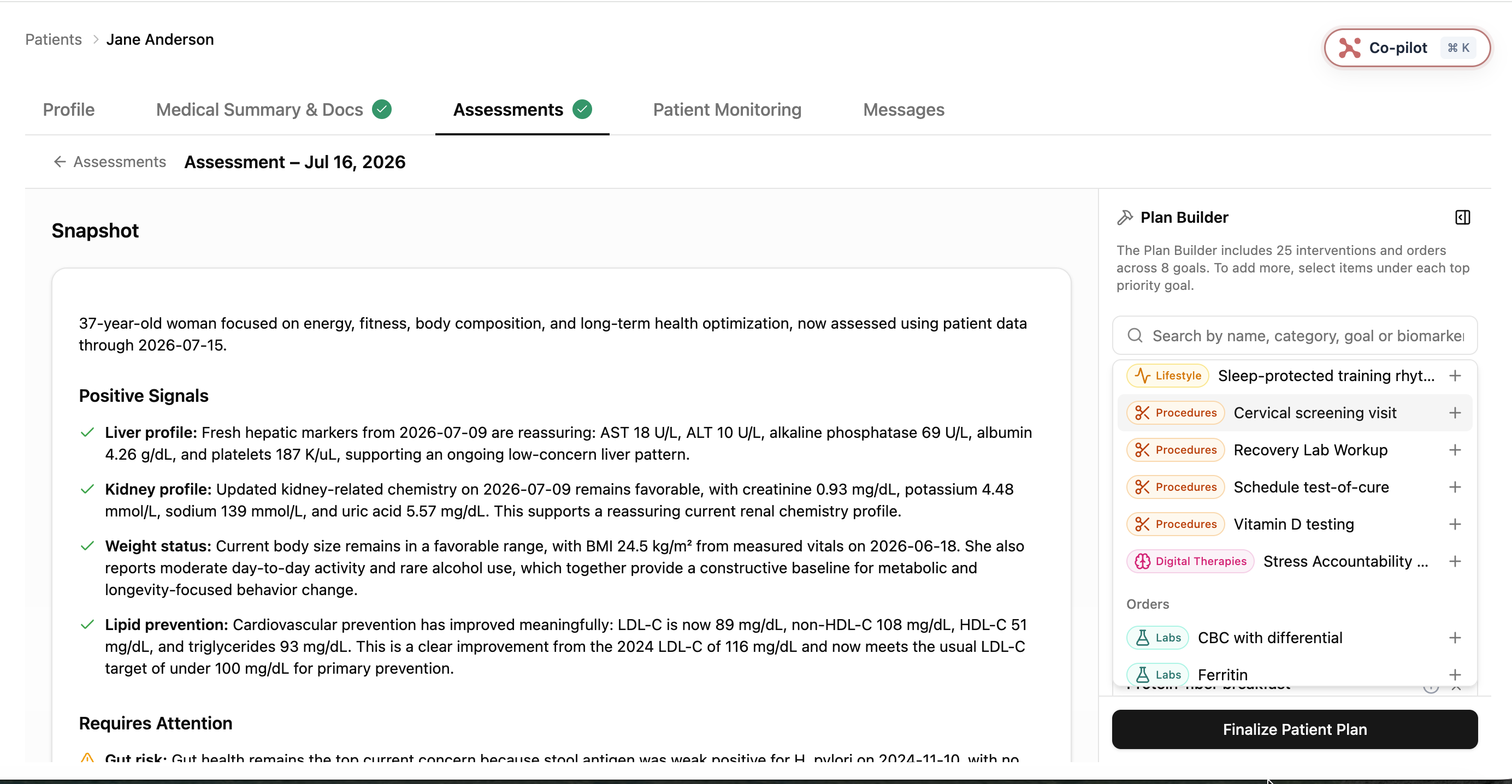
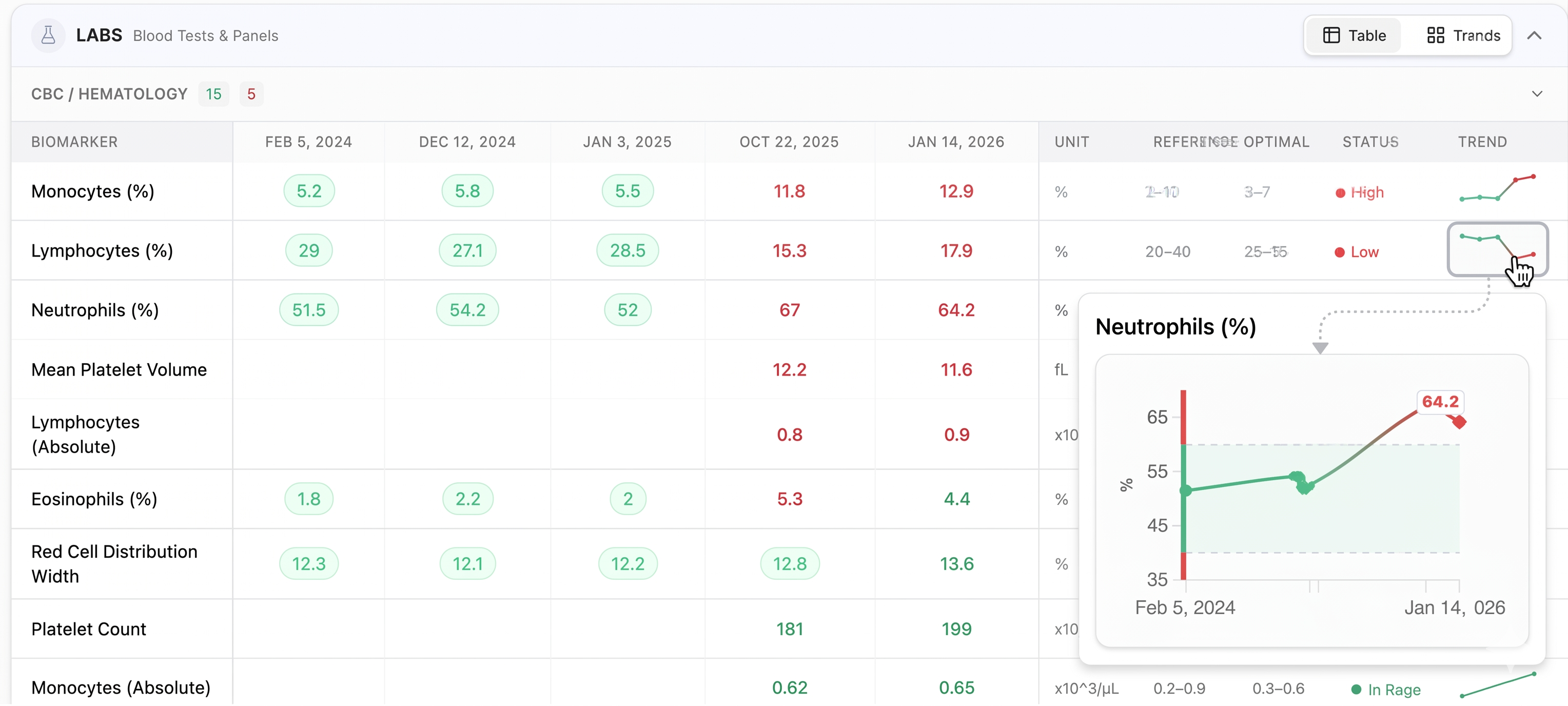
We redesigned our default report around the patient. It opens with a note in your voice, shows every health area at a glance in three status categories, At risk, Needs attention and Optimal, then the patient's own goals, and a plan of five goals or fewer, each with current value, the target and a date. It closes with recommended products and appointments, and an estimated timeline. You review the note, the highlights and the targets before anything reaches the patient, and every section remains accessible. Clinics already live keep their existing reports; only new reports use it.
INTAKE LOOK
Intake forms that look like your clinic, including the one you already use
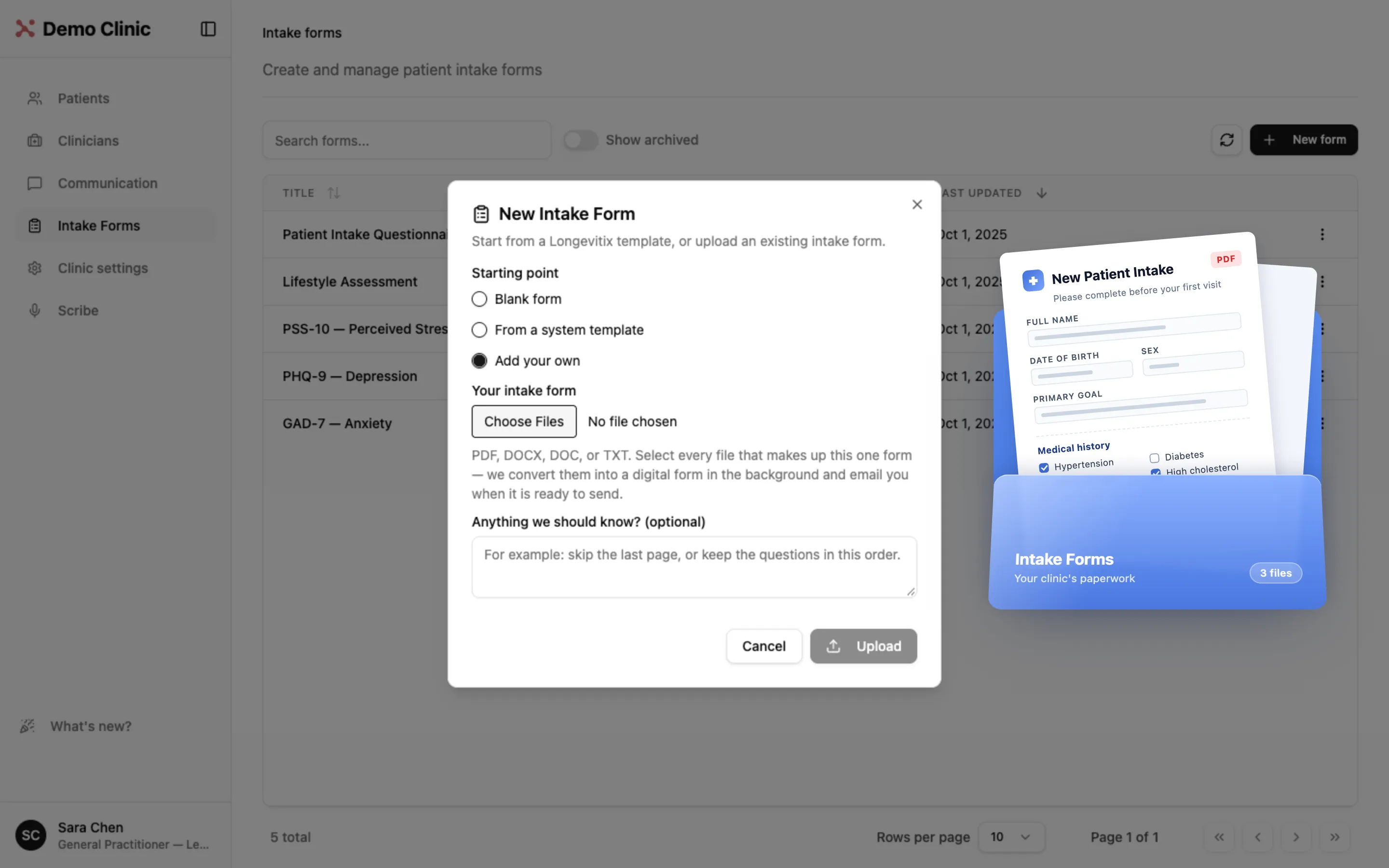
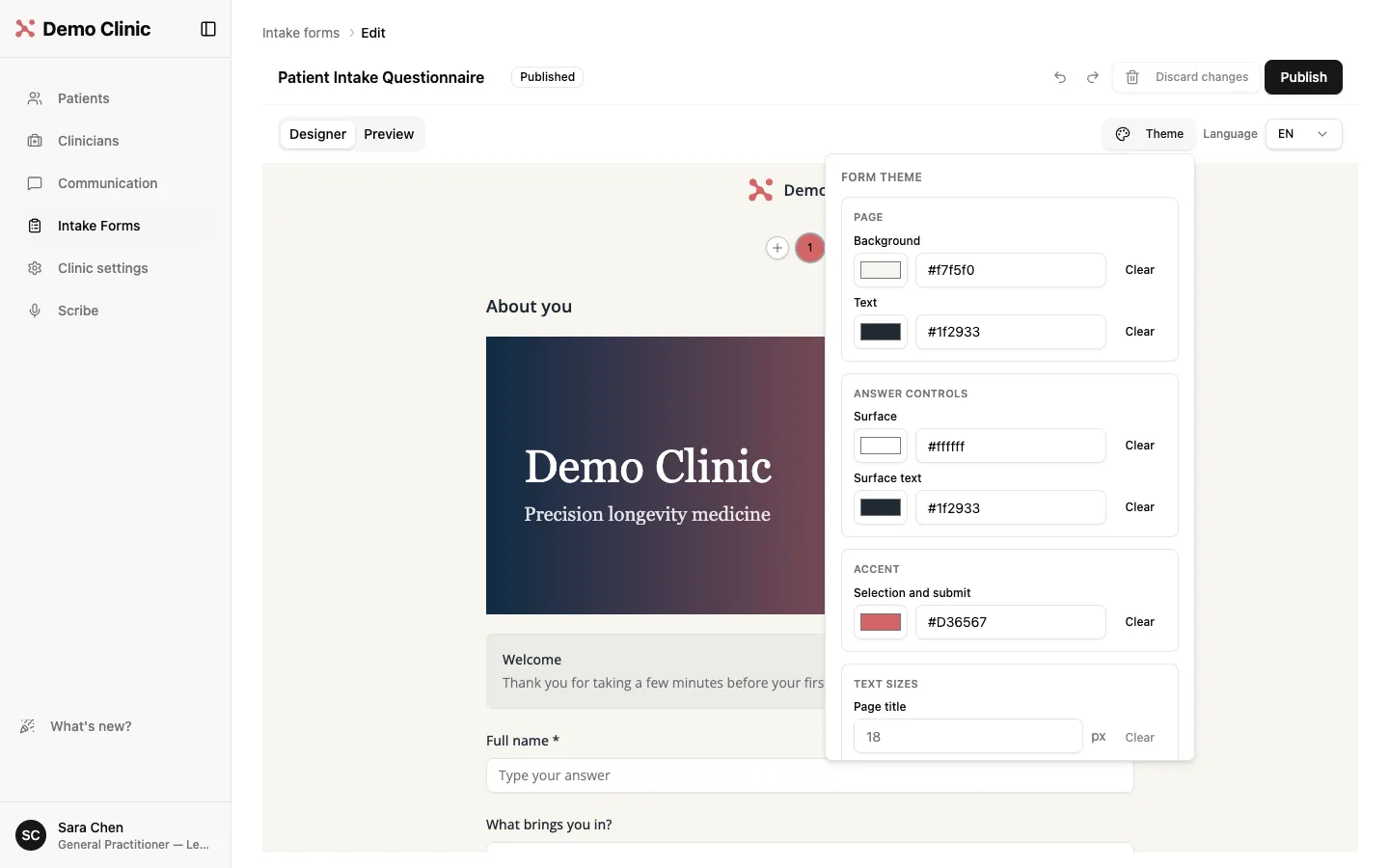
Already have an intake form? In Intake Forms choose New form, then Add your own, and upload it as a PDF, DOCX, DOC or TXT. We convert it into a digital form in the background and email you when it is ready to send. Then make it yours: every intake form has a Theme panel for page and text colors, an accent color, text sizes and a font, plus an Image item for a banner, with your clinic header on top. Patients see your clinic's branding from the first page.
INTAKE SUMMARY
Read every intake in seconds, without leaving the patient list
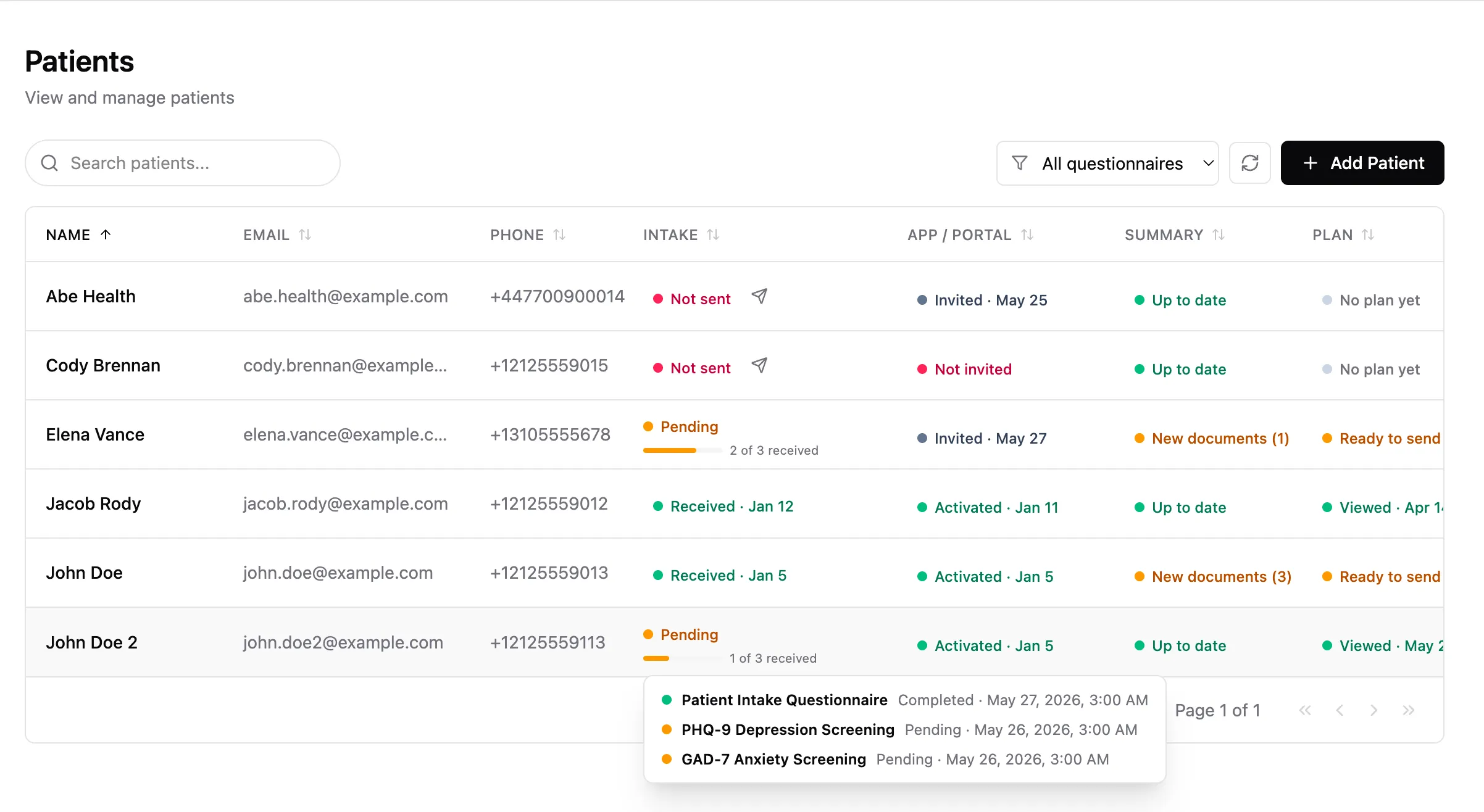
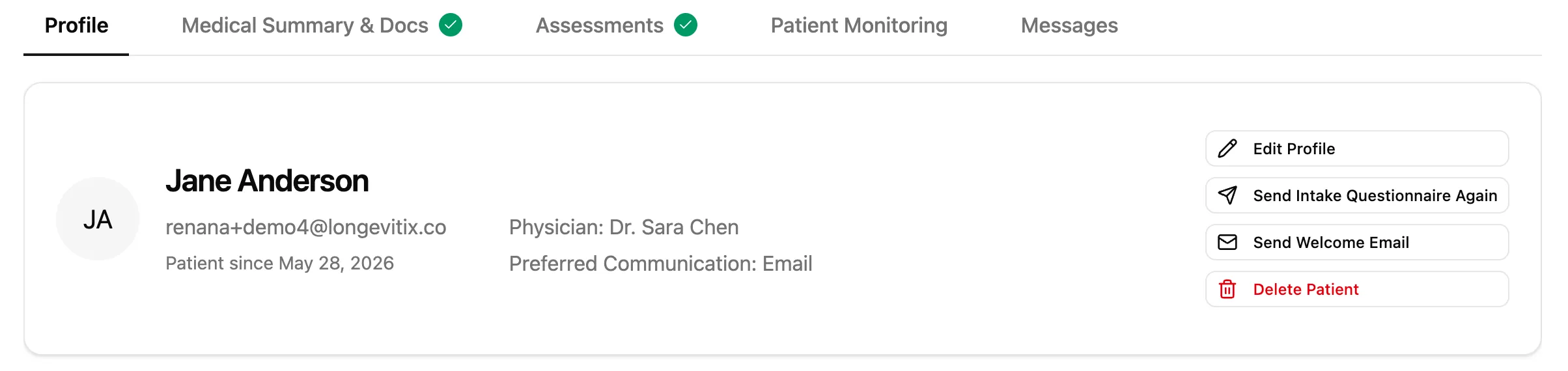
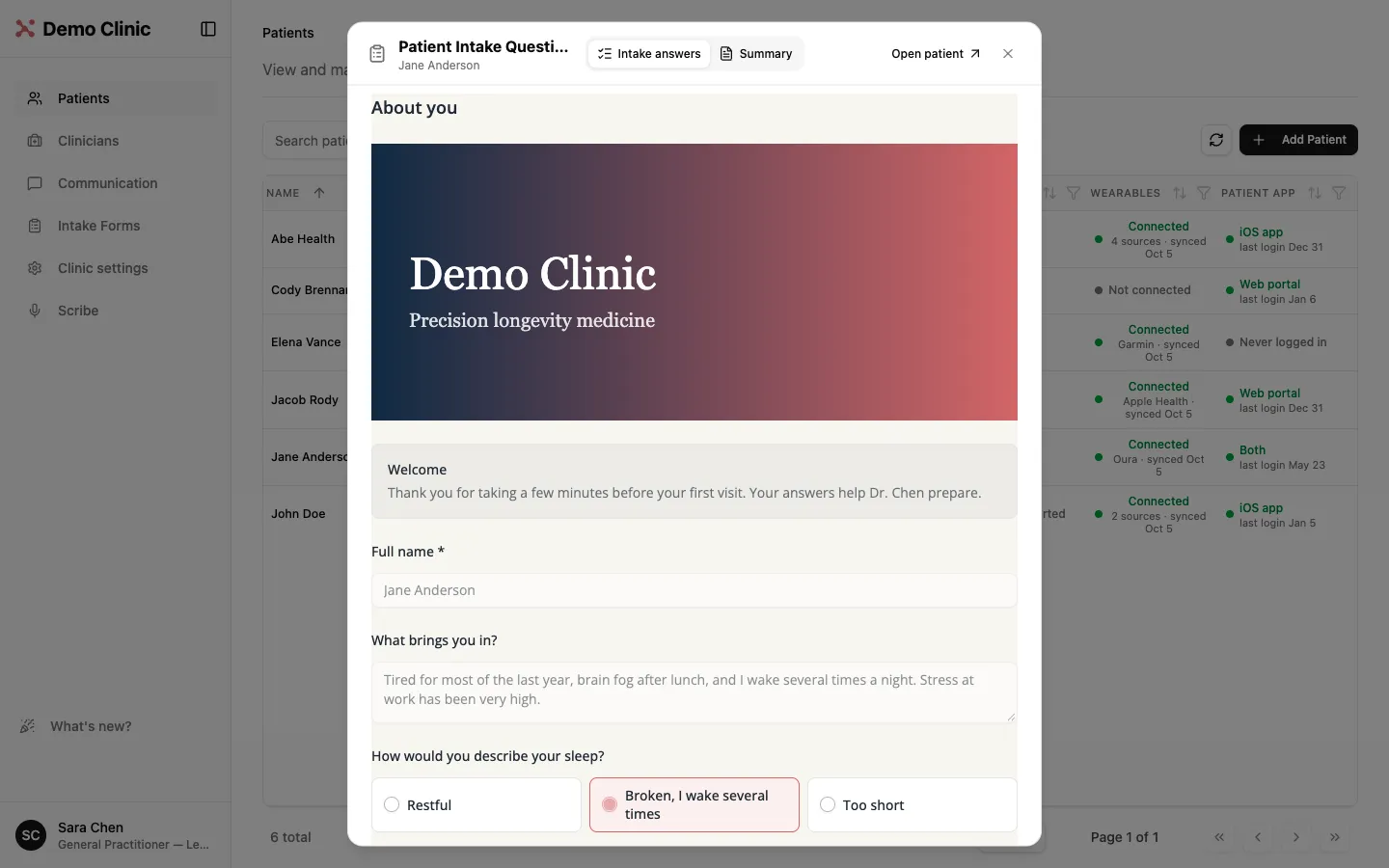
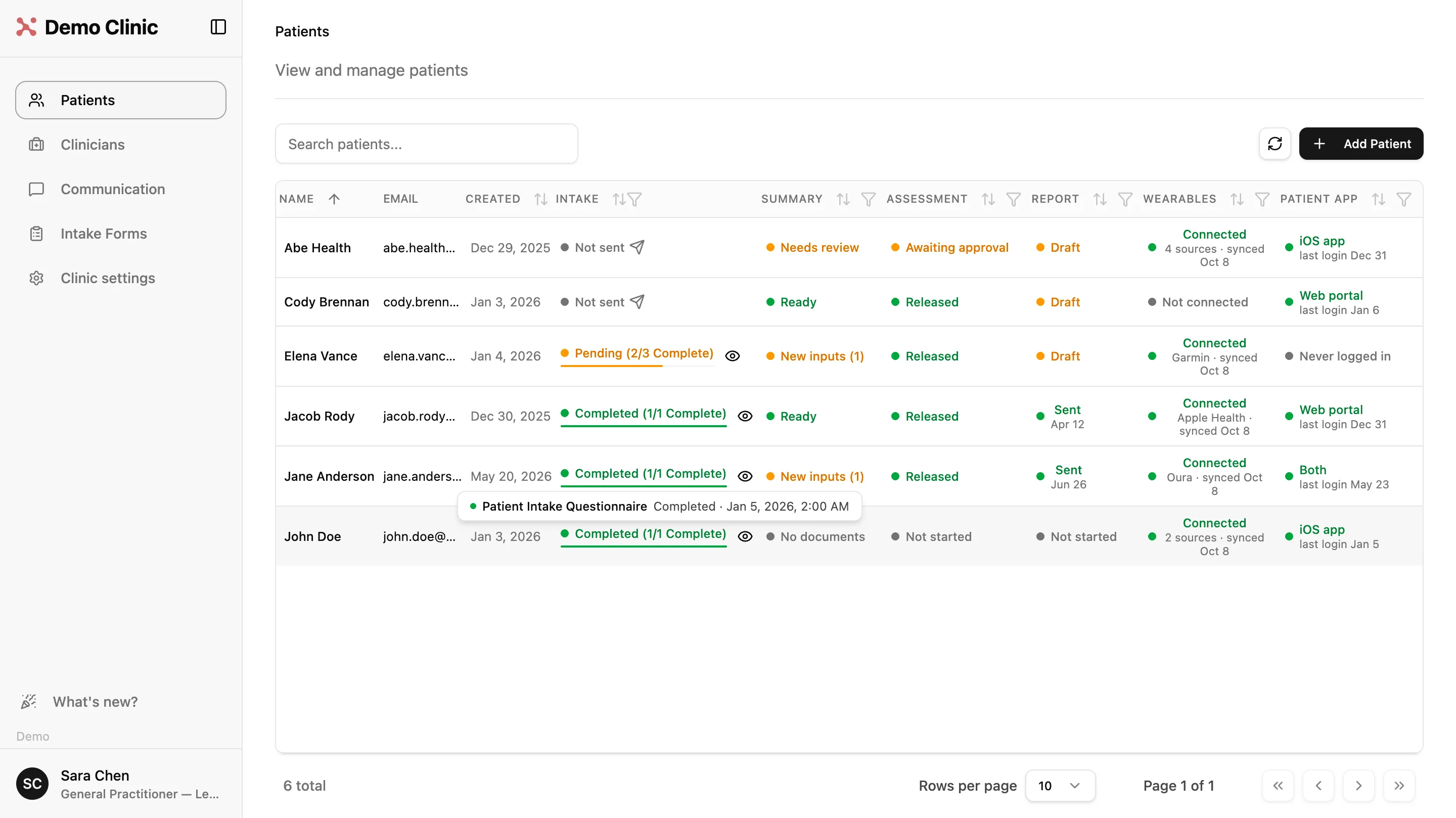
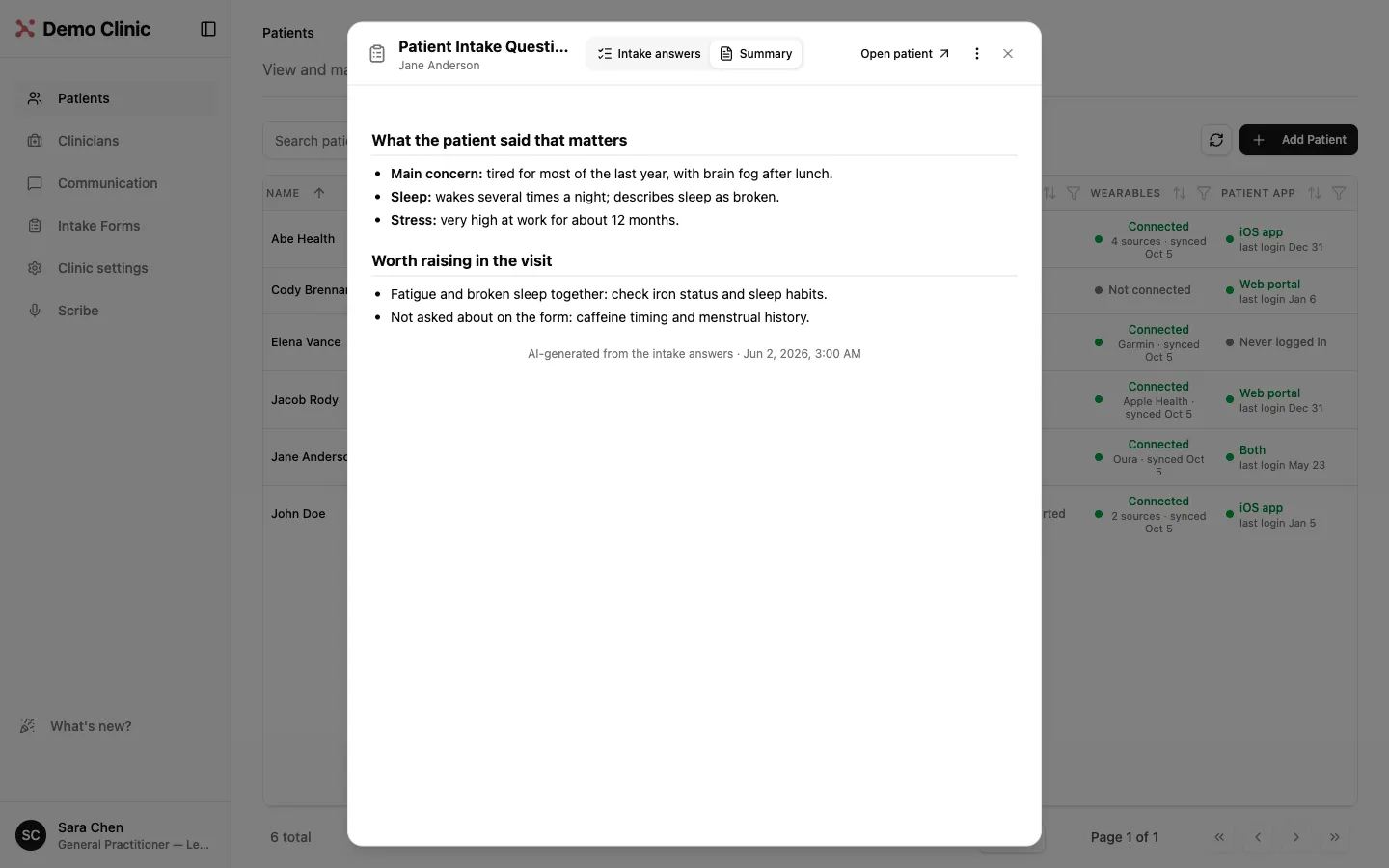
Every completed intake now comes with an automatic summary of what the patient said that matters, so you see the story before you scroll through a single answer. In the patient list, an eye icon marks patients whose intake is in. Click it to read the summary in a preview, with the full answers one tab away, then open the patient from the same window. Make the summary yours in Clinic settings: set instructions for emphasis and tone, and list the topics it should always cover.
WEARABLES
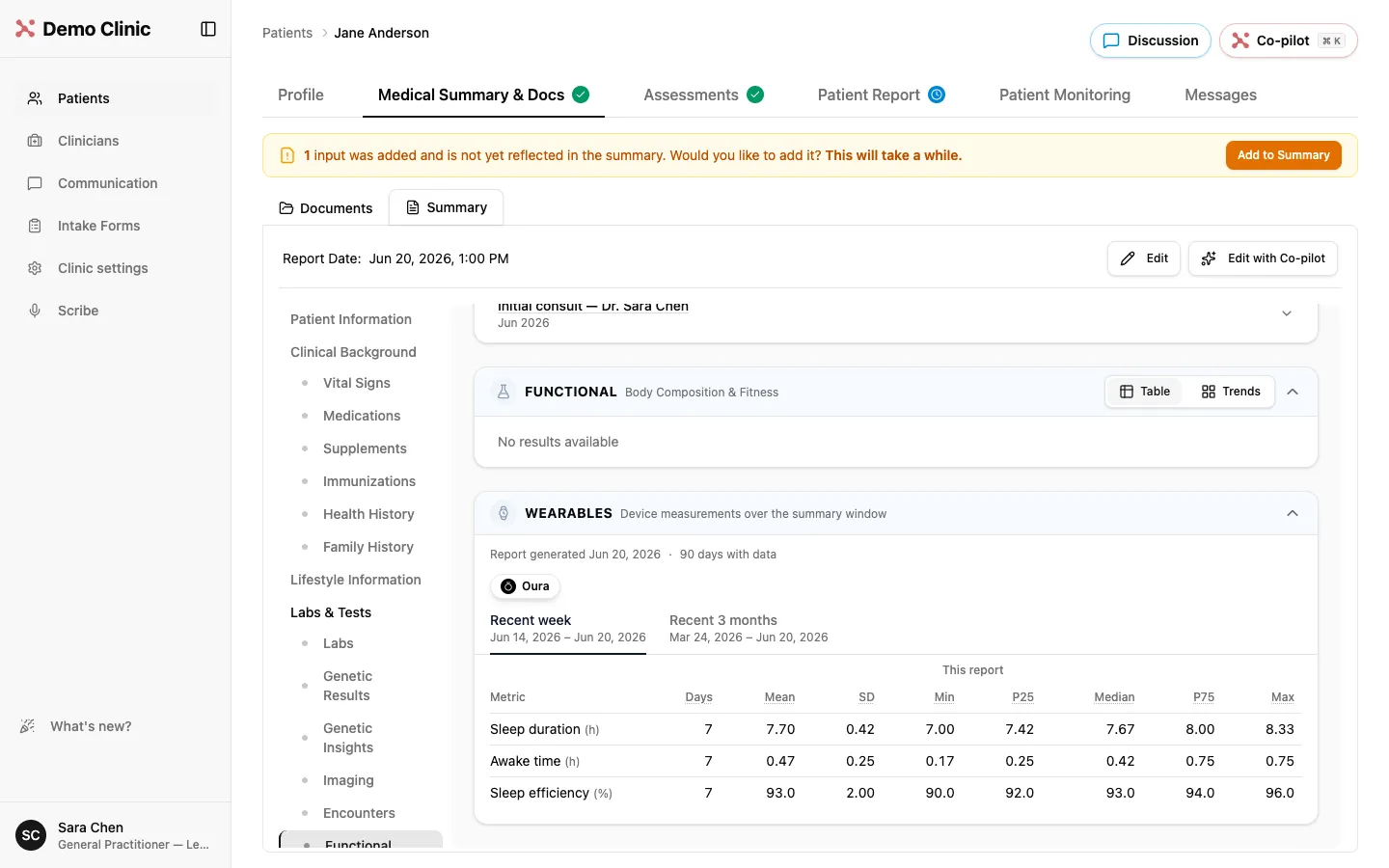
See what the devices measured, right in the Medical Summary
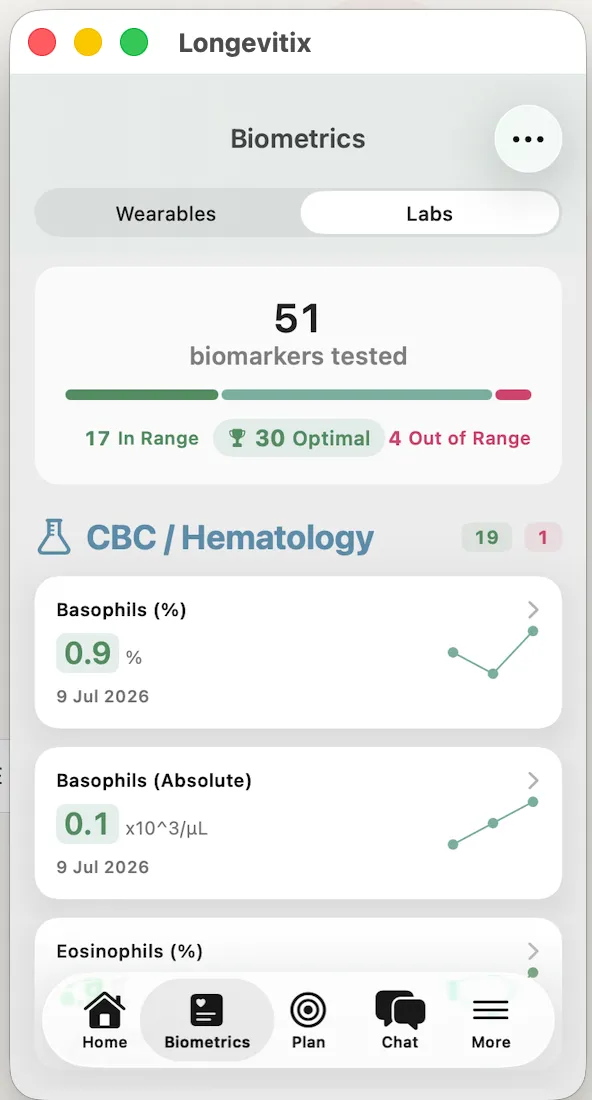
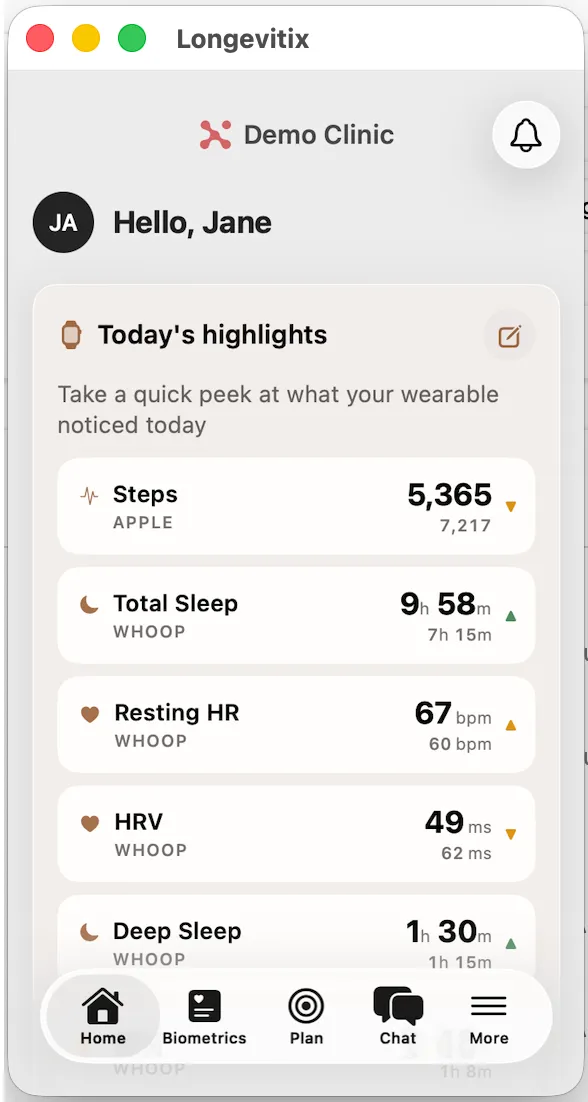
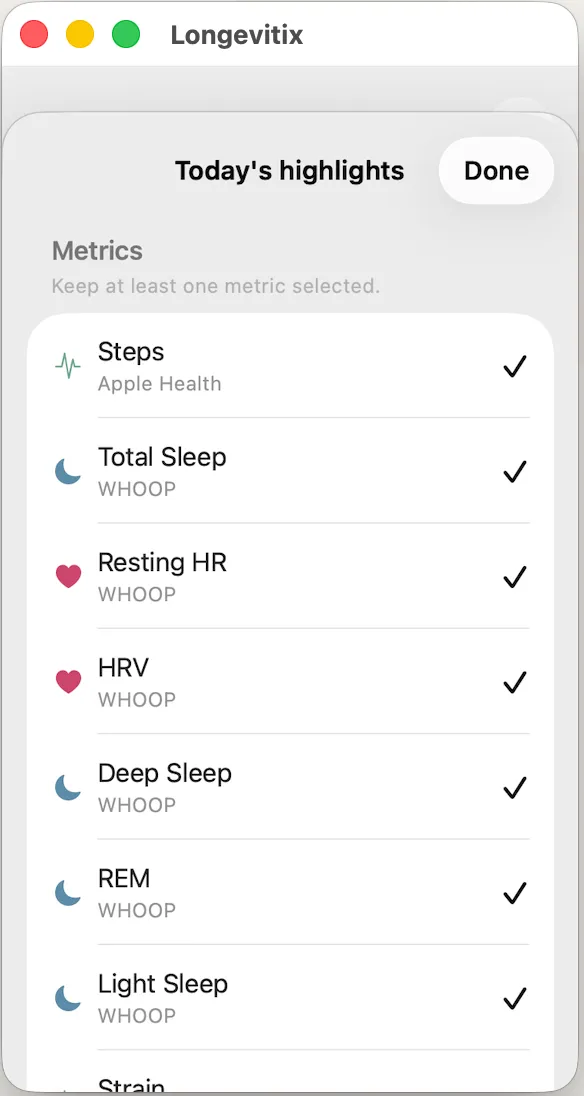
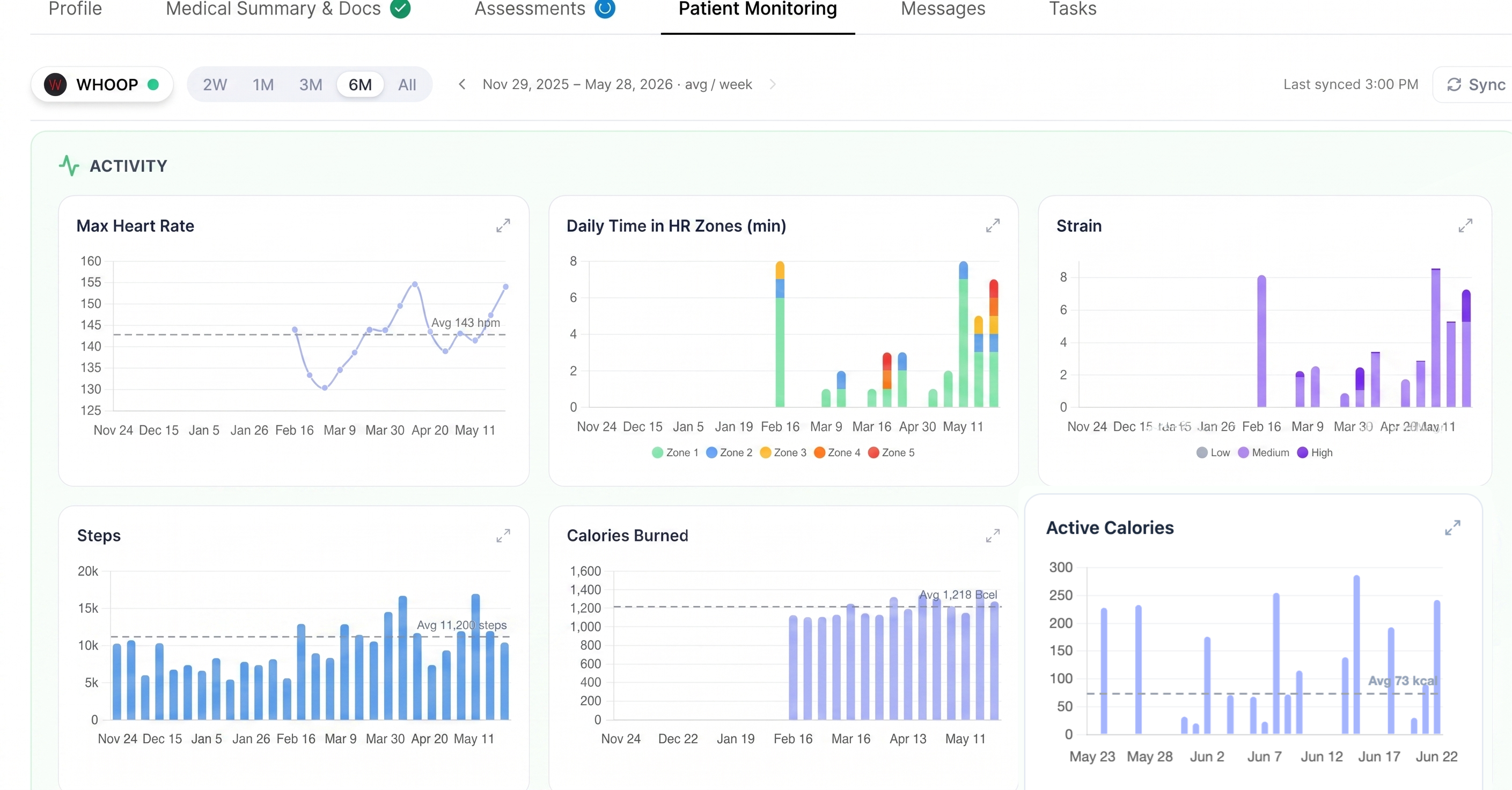
Review the raw device data before any interpretation. The Medical Summary now has a Wearables section with the device measurements over the summary window: the connected devices, the days with data, and for each metric the mean, standard deviation and percentiles, for the past 7 days and the past 3 months. Only measured values are shown, no estimates.
SLEEP PATTERNS
Sleep onset and wake times for every night
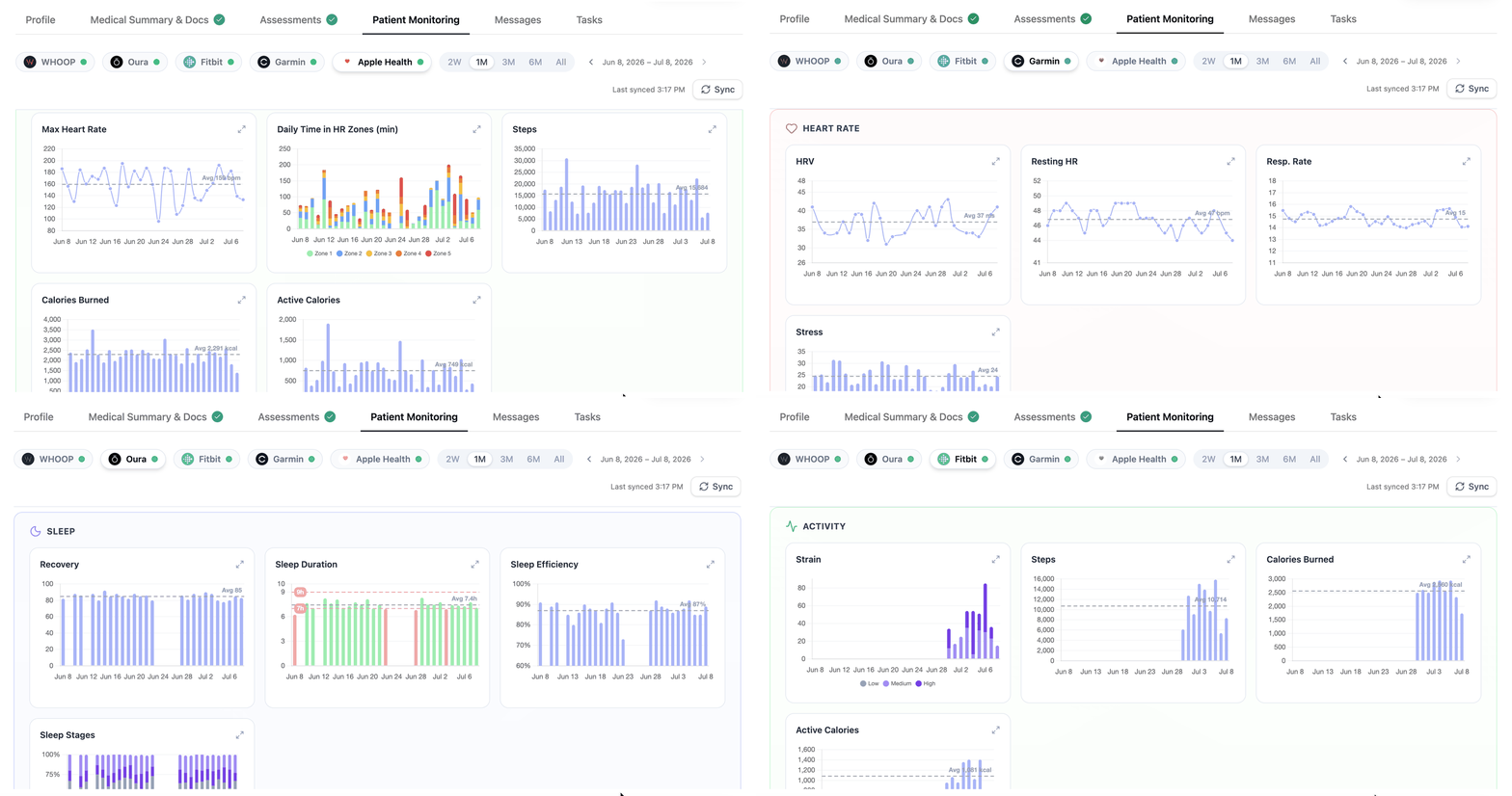
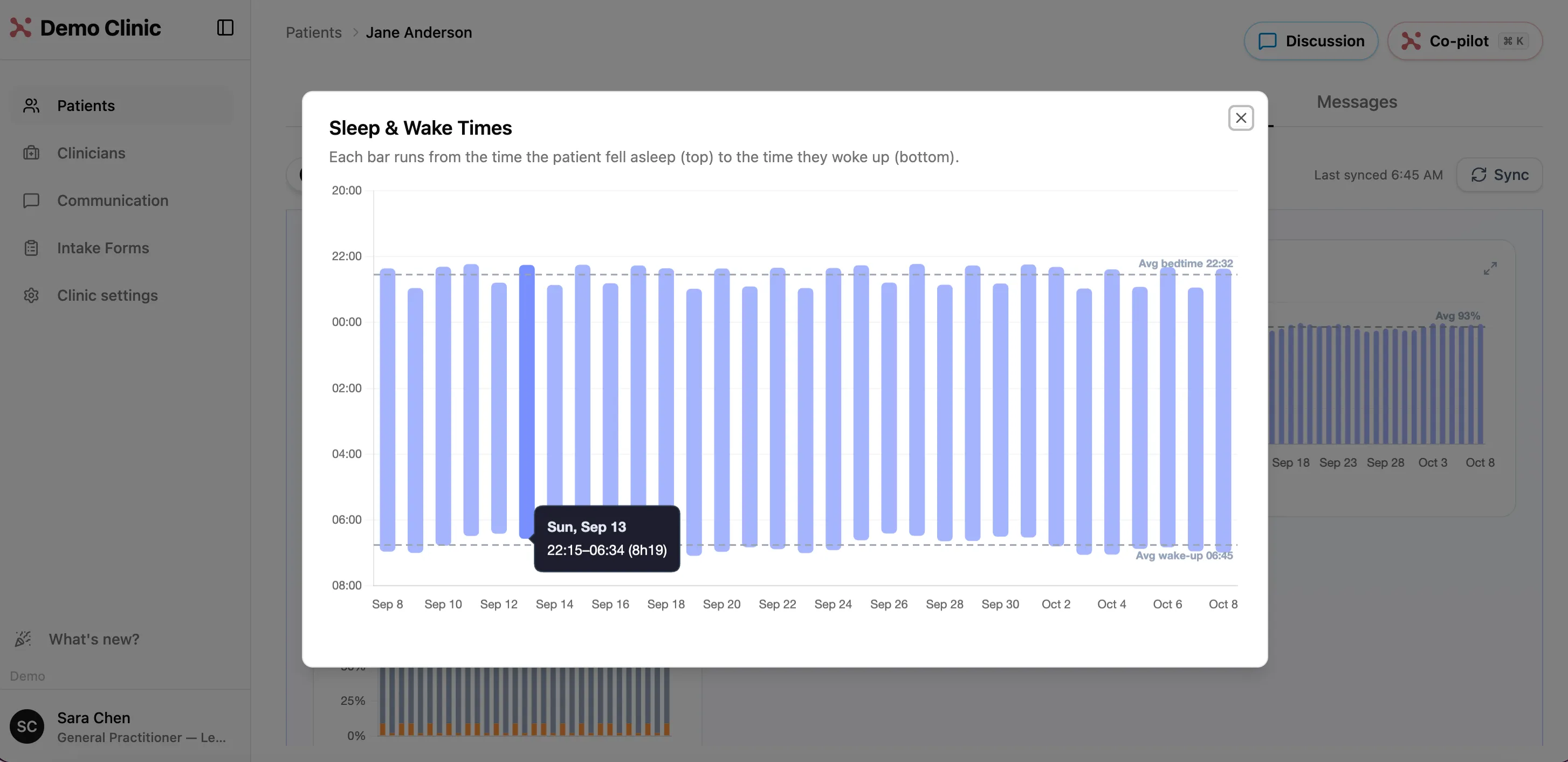
Sleep duration alone can mask irregular sleep patterns. Hover any night in Sleep Duration in Patient Monitoring and you see the hours and the clock times, like 7.9 h (22:58 to 07:05). Late bedtimes, shift-work drift and uneven wake times show up at a glance.
BODY MEASUREMENTS
Body composition trends from Apple Health
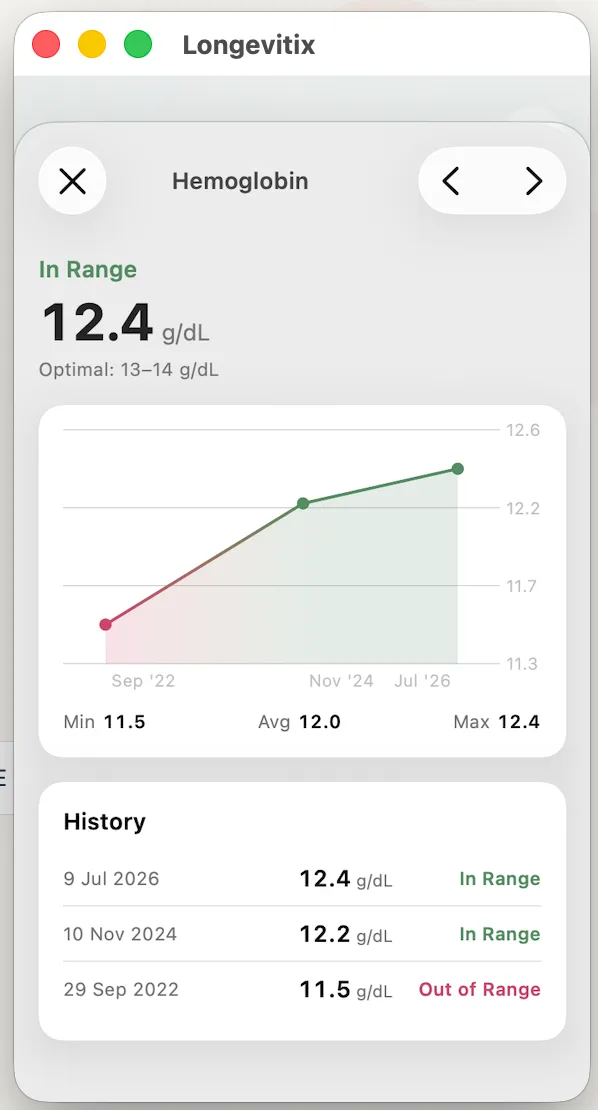
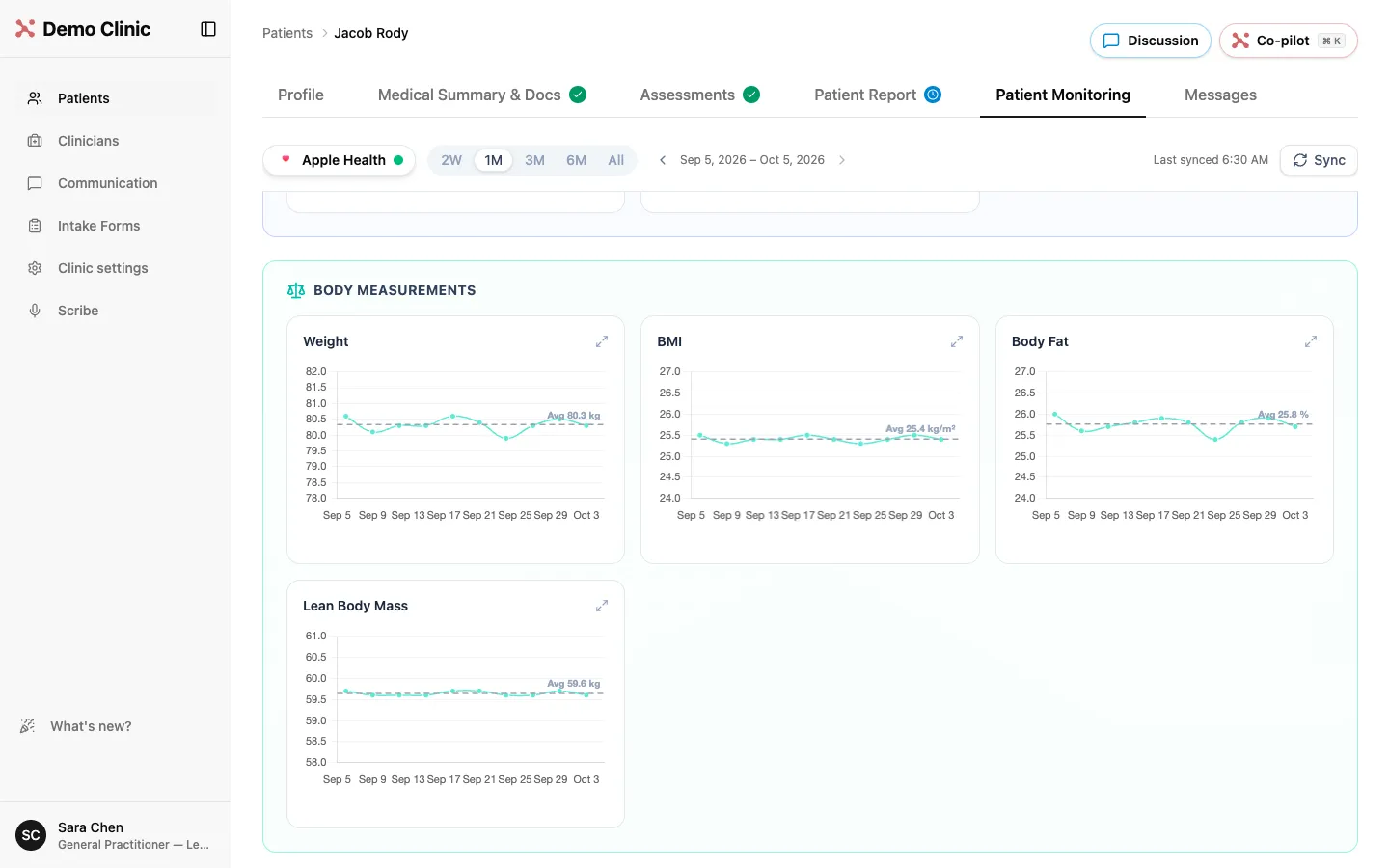
When a patient's Apple Health carries body measurements, Patient Monitoring now shows weight, BMI, body fat and lean body mass as trends, alongside their other health metrics.
INDEPENDENCE
Manage day-to-day clinic administration in-house
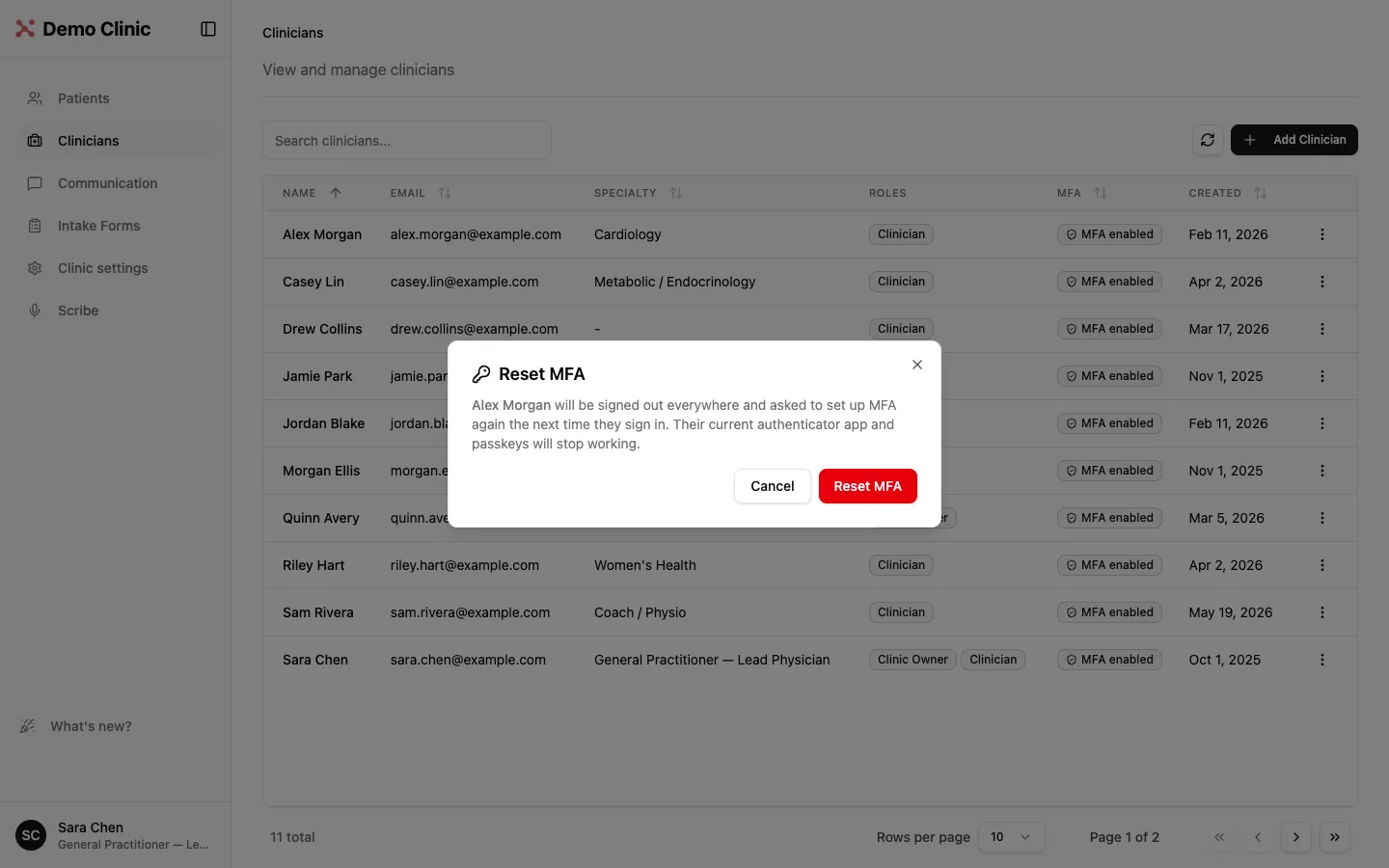
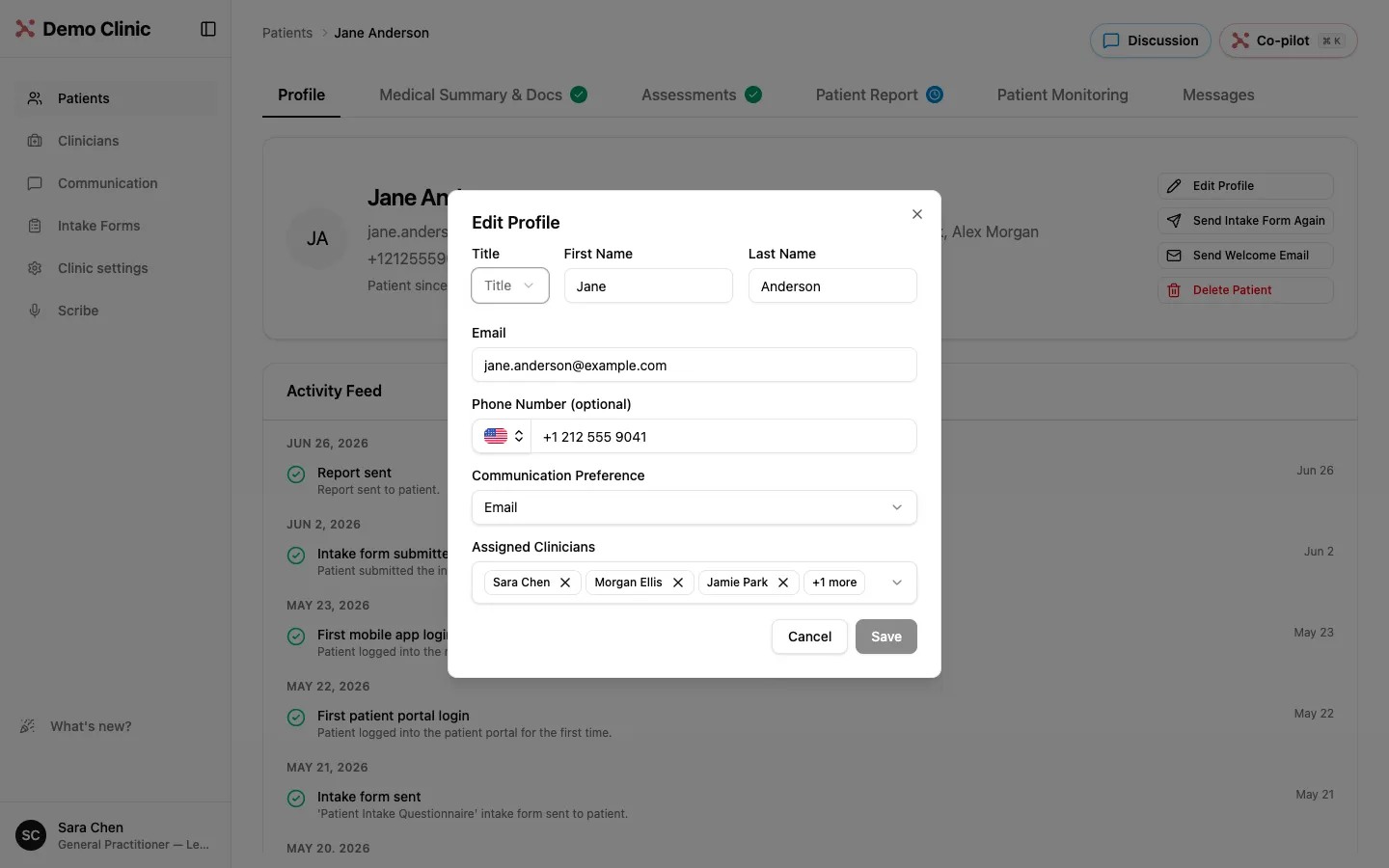
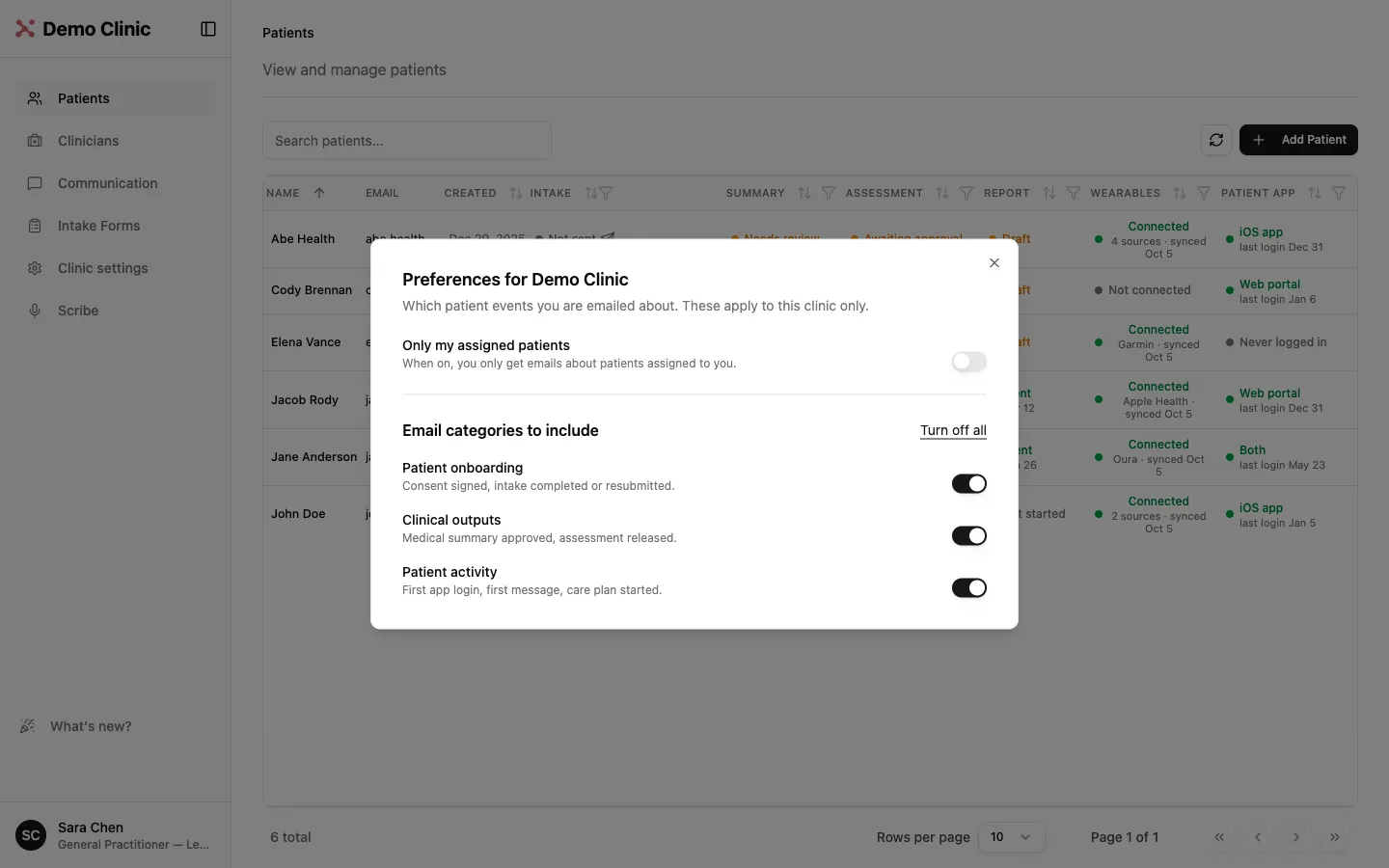
Clinic admins can reset a team member's multi-factor authentication (MFA) from the Clinicians list: they are signed out of all active sessions and set up MFA again the next time they sign in. Admins and owners can update a patient's email address from Edit Profile. And each physician chooses, in Preferences, which patient notification emails they receive, or turns them all off.